If you are a millennial wondering how to play video games, then this series is for you! I decided to write this series to help you as you start to navigate the world of gaming.
There’s so much going on, I get it!
So hopefully this series helps 🙂
Just starting out:
When I started gaming it was hard for me to find anything real real basic that laid it out like how to play video games 101.
I know for anyone who’s gamed for a long time this probably sounds ridiculous but as someone who was trying to get into gaming at 30, it was much needed.
I didn’t know any lingo and barely knew anything about what popular games were out there.
\When I went to search on Google, the pages I found often felt like reading a manual. I was easily confused trying to understand what the heck people were talking about.
Honestly, I felt kinda stupid with being this confused since I grew up gaming and gamed on and off throughout most of my life.
It was intimidating and I would often click out from these websites feeling frustrated as everything I was finding sounded pro gamer.
I had to depend on my husband who’s been a lifelong gamer to give me recs and suggestions. I’m thankful I had him because he gave me great recs and pointed me in the right direction.
But even then I still felt like I was missing something.
Get into Gaming Part 1
To help you start your gamer quest I’ll be working on this Get Into Gaming series that will be a part of my Millennial Gamer Guide which is full of helpful posts to help gamers!

Get Into Gaming will be a four part series where I break down how to get into video games for complete beginners. I’ll be answering some of the questions I had early on that were hard to find answers for on Google.
I want this series to be super beginner friendly. I’m hoping this comes across as non-intimidating and I’ll be trying to not use insider lingo (or will explain it).
I think one of the hardest things to do in life is to start over, try something new, and be a beginner.
Learning is a never ending process so I commend you on being here!
Think of me as your gamer bestie, here to learn alongside you 🙂
In this post we’re going to start with two topics:
- Start where you’re at – Let’s brainstorm ways to start gaming with what you have available to you.
- Where do you want to game– Let’s figure out where you want to game. This will be helpful for Part 2 of the series where we discuss the best console or PC for you!
Start where you’re at
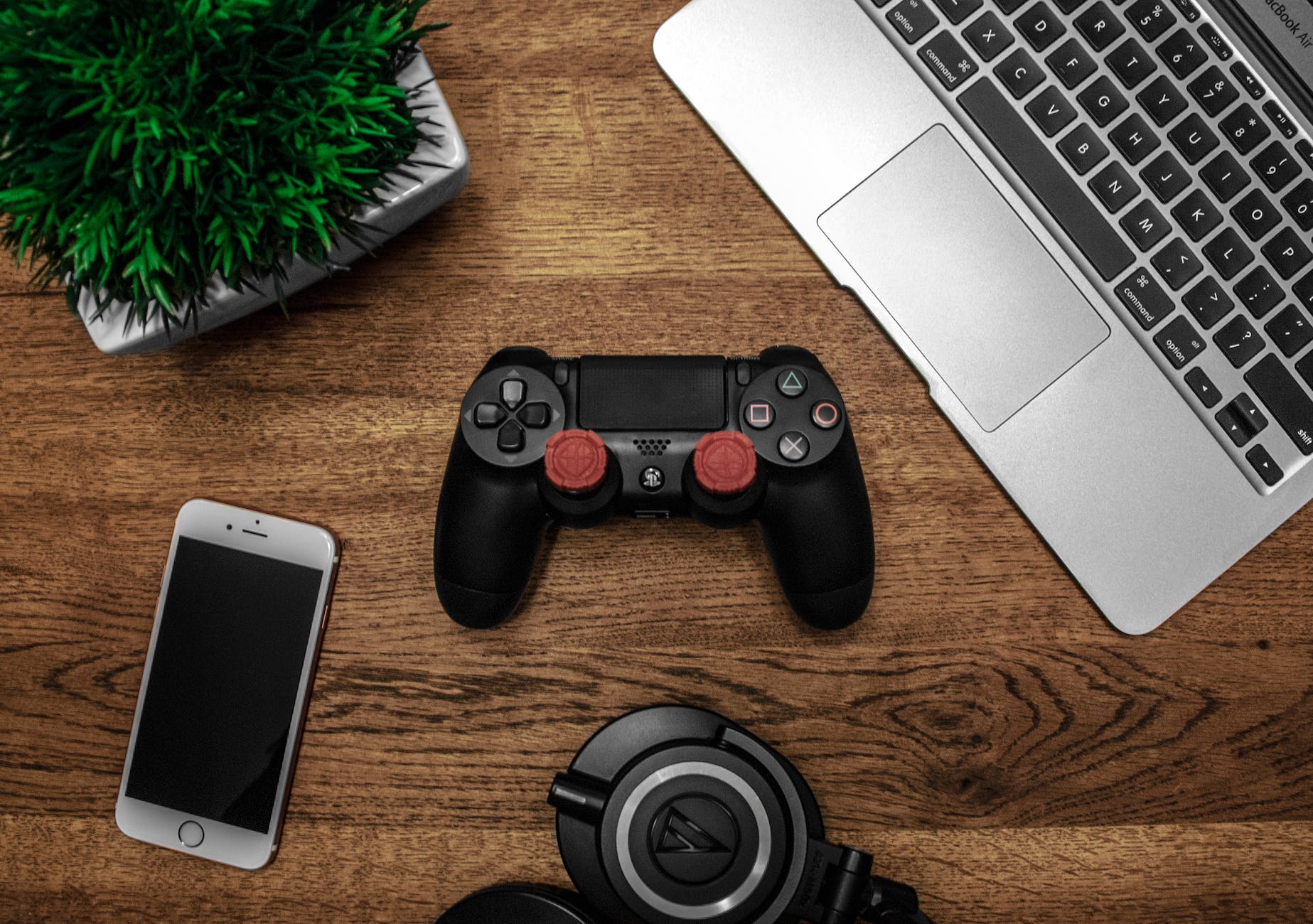
Before you go running out making a huge purchase (yes, gaming is very expensive!) I’d recommend to start where you’re at, with what you already have.
You probably have more resources on hand to give gaming a try than you realize!
Here are some of my recommendations to try before you buy.
Use what you have
If you’re reading this then you have access to some kind of technology.
Even if it’s just your mobile phone that’s a great way to break into gaming and get to learn about franchises with hands on experience.
That’s actually how I started playing Animal Crossing! My first introduction was Animal Crossing Pocket Camp and that was enough to convince me to invest 700+ hours into the franchise across 5 different games.
Also consider this, you might have tech that’s not being used that you can repurpose for gaming. Or maybe that’s just a me problem heh.
But think about it… Do you have an old tablet, iPad, or laptop sitting around?
Dust it off and start gaming on it!
It might run slow but as a beginner, that’s enough to get introduced to games to figure out if you need to upgrade. A very important question to sus out.
Game with a friend
If you have friends or family who game this is a great option!
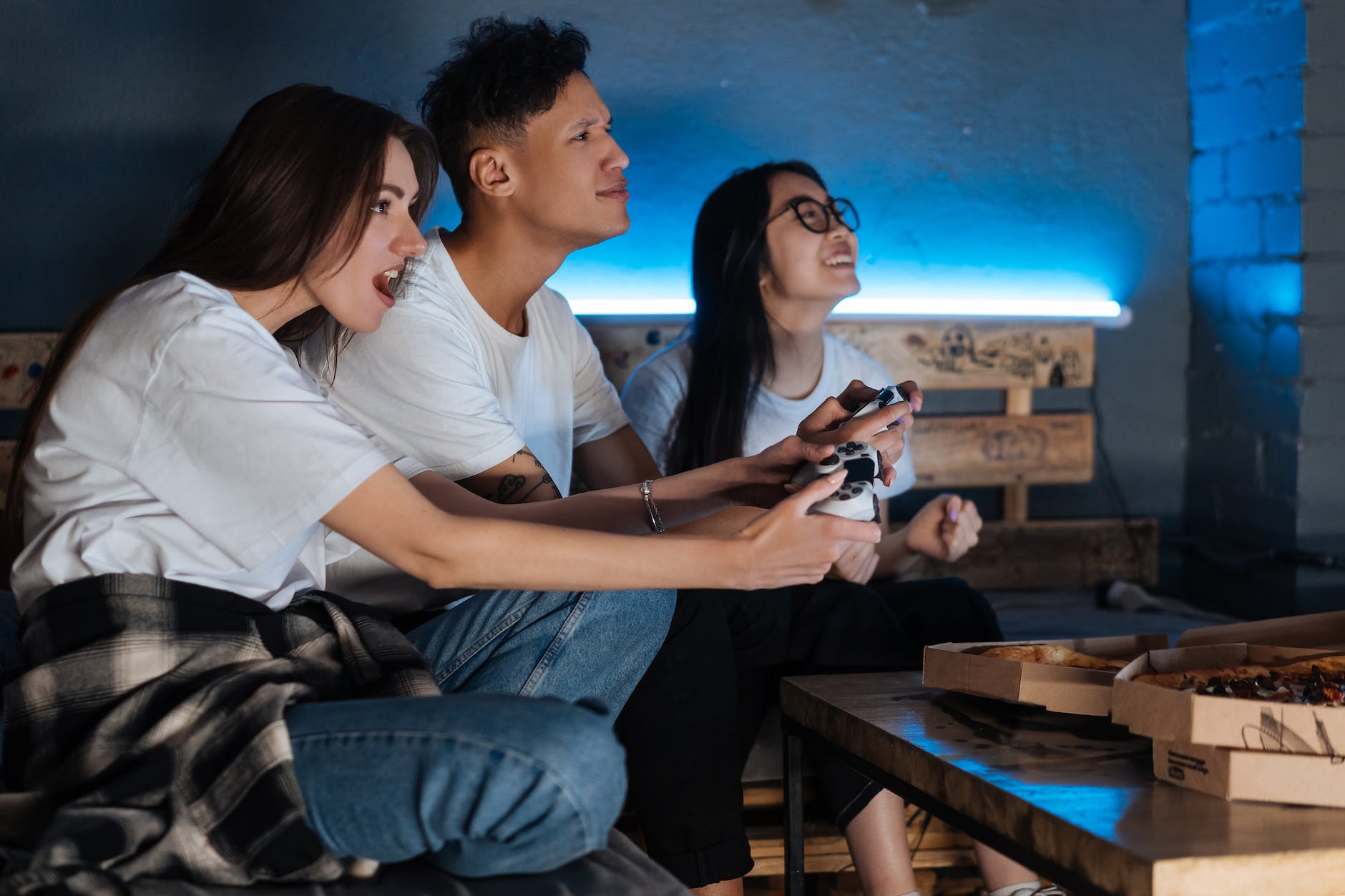
You could spend a day hanging out gaming to figure out if you like a console and sample some of their games.
Also it’s just a fun way to hang out and probably snack on some of your favorite foods if hanging out is anything like it is with my friends.
This will also give you the opportunity to chat with someone who knows you and will probably be able to give you recommendations on what console would fit you the best and what games you’d be interested in.
Borrowing
If you’re responsible you could always ask to borrow a console from a friend or family member who trusts you.
Trust being the biggest thing here. Like I said gaming is expensive.
A good time to ask would be if someone will be out of town and they aren’t bringing their console with them. It won’t be used anyways so as long as you’re respectful and don’t accidentally delete over any saved game data, it’s worth an ask!
Test it out at the store
A method I’ve been using since the 90s hehe.
And yes you can definitely still go to GameStop or the electronics sections of a store like Target to try out a console. I’ve done it!
It’ll def give you just a smol taste but it will be helpful in the decision making process to know if a console feels right to you.
It’s better than nothing.
Plus you can always go back to try again as you save up to make sure this is the right choice for you! If you go to Target weekly anyways might as well...
What type of gamer are you
Oof def a tough question especially if you’re just starting out. I know my husband kinda asked me questions like this when I started and I had no idea how to respond.
I just knew I wanted to play video games.
Here are a few questions to think about to help you figure this out.
What kind of games do you want to play?
Easier asked than answered. I know so let’s brainstorm!
You might have an idea if you grew up gaming. What games did you like growing up?
For me this was easy, Pokémon and The Sims were my go tos. I think having this base knowledge helped my husband to recommend games and helped me with Googling.
He recommended Stardew Valley which was phenomenal. From there I would look up farming sims, simulation games, and life sims to get more ideas for games I would like.
If you’re absolutely new look around YouTube or Twitch to learn about current trending popular games.
When I was starting out I watched a lot of YouTube vids of peoples favorites lists just to learn what was out there. Some games would not be for me but there were a few gems that caught my interest.
From there I would look up the games I thought sounded cool to learn more.
What games do you like to watch?
From all of my online shenanigans I realized that people watch games they don’t play, me included now keke.
Sometimes that reason is because they don’t own the game or console so they’re checking games out while they save up.
If you fall into this category think about the types of games you like to watch and figure out what consoles they are on.
Some titles are exclusive to one console
Before you buy any console it’s a good idea to look up what the exclusive games are.
This is also another great way to learn about titles and look up games that sound interesting.
My go to console is the Nintendo Switch which has Nintendo exclusive titles like Mario, Legend of Zelda, Pokemon, Animal Crossing, Kirby, and Splatoon.
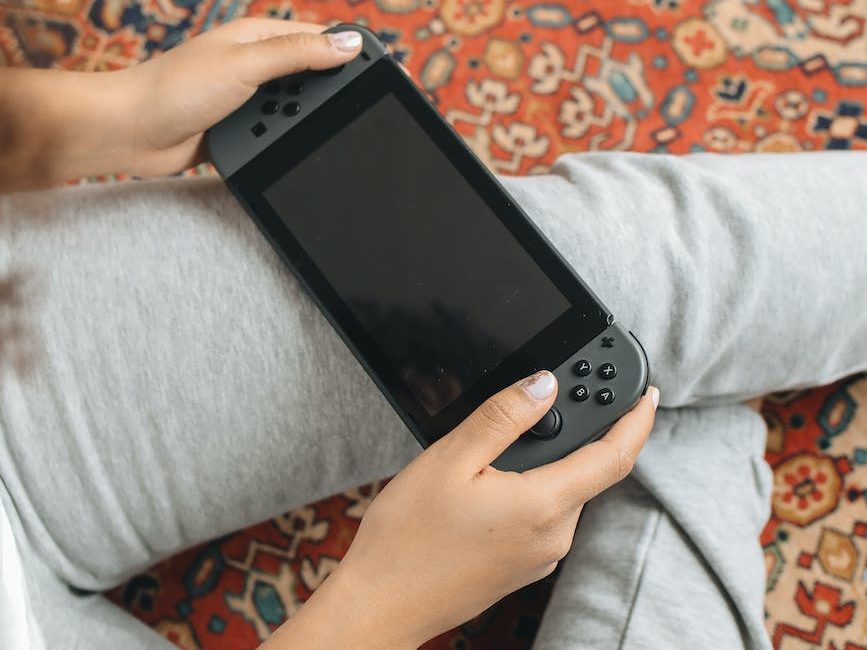
These are all games you can only play on Nintendo so if any of these titles sound like something you want to play, then you’ll want to consider purchasing a Nintendo console like the Nintendo Switch.
Different consoles are optimized for different game types
You are going to hear about these two terms a lot: frame rate drop and lagging. Basically this is when the video on the screen starts to stutter or slow down.
While I love the Nintendo Switch it isn’t optimized for titles with higher quality graphics imo.
Or when you have a lot going on in the game on screen. I’ve experienced major lag just from playing Animal Crossing. (But I also max out what I can have on my island so I’m part of the problem lol)
If you’re at a complete loss of what you would be interested in come back for Part 3 where I will share the different video game types I learned about over the last two years.
For now Youtube and Twitch are a great place to start!
Where do you want to game?
An important question that will help you decide the right console for you. Here are my three modes for gaming:
Desk
Inherited from my days playing The Sims and possibly now rebelling against office worker life to reclaim my WFH desk.
I enjoy being able to sit at my PC and game away the day.
There’s also something more intuitive about keeb and mouse than controller for me.
The great thing about gaming on PC is split screen or if you have the space dual monitors (or more!).
If I’m not hyper focused on farming I’m usually doing at least five things at one time including watching a friend on Twitch, watching YouTube or anime, Googling some random thought, keeping tabs on discord, and yes this can be all going on at once all while playing a game.
I know I’m a multitask at heart, it’s a problem.
But dual screens will also come in handy while gaming.
You can pause your game and easily pull up a guide to help you while you game. You can even watch a walkthrough on YouTube for when you get really stuck and follow it by glancing between screens.
I just feel like this is the easiest setup for me to optimize my playstyle and accommodate my over stimulated brain.
Couch
If I’m not on PC I am gaming on the couch. Which for me I have two modes.
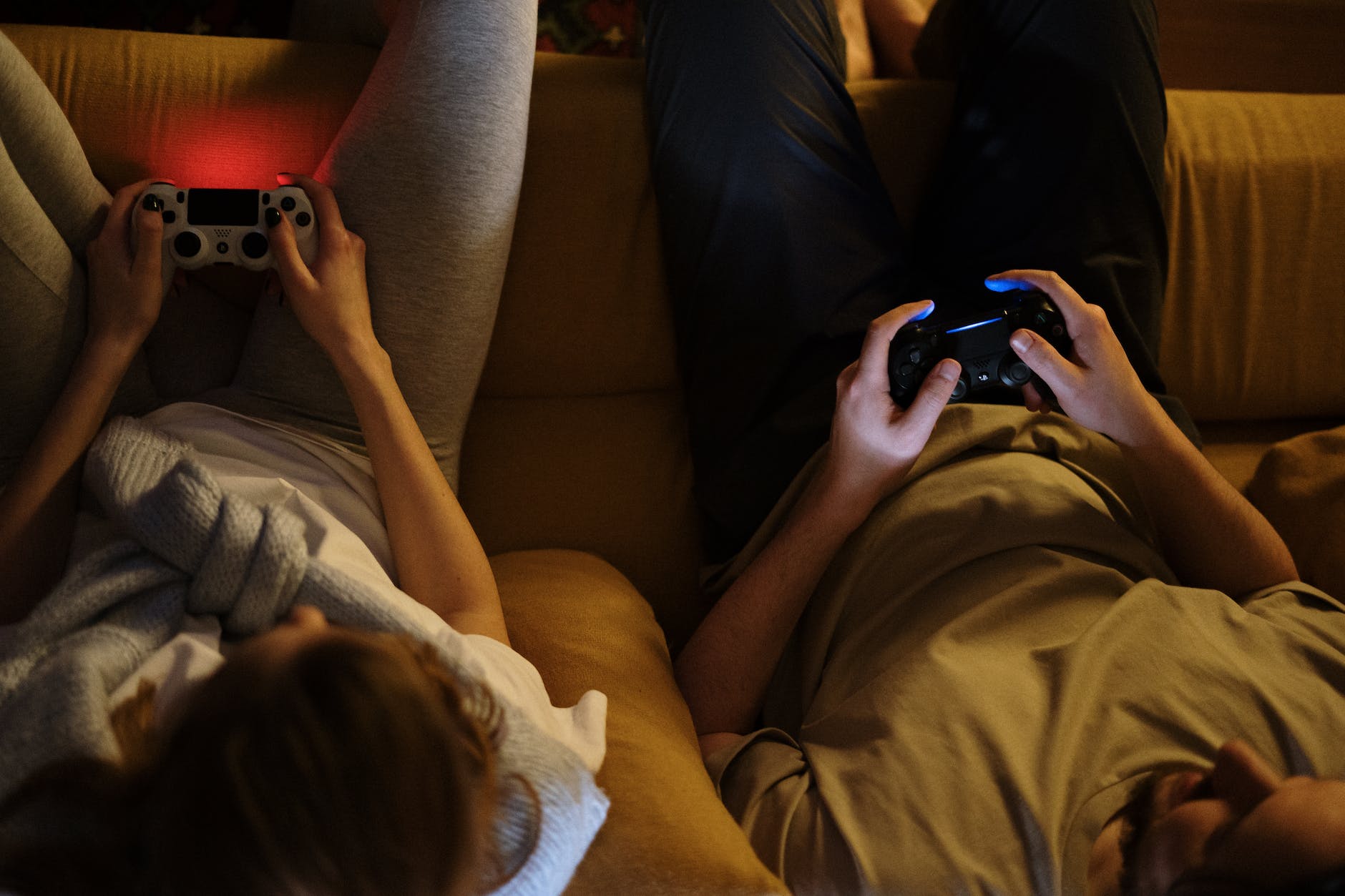
Party and snacks (gaming on Switch/PS5)
I love a good irl couch co-op where you break out the snacks and work on beating a game with someone.
Two games my husband and I have been working on are Luigi’s Mansion 3 and It Takes Two. We both tend to lean towards PC gaming tho so these have been a long work in progress.
Our preferred consoles for couch co-op sessions are the Nintendo Switch and the PlayStation 5. There are so many multiplayer and co-op games out there!
Cozy lounger (gaming on my Switch/Steam Deck)
Honestly if I could just take a week off and curl up on the couch to game with no other distractions, it would be bliss.
For me I like to burrow with blankets and pillows and my dog lol.
Once we’re comfy I prefer gaming on a handheld.
Something about it is just cozier and comforting.
I think it reminds me of growing up and playing my Gameboy Color lol. I have such fond memories of that so this probably subconsciously brings me comfort.
For cozy lounge days I enjoy gaming on the Nintendo Switch or my Steam Deck. Sometimes I will reach for a retro console like my Nintendo DS Lite or New Nintendo 3DS XL.
On the go (gaming on Switch/Steam Deck/Retro/Mobile)
If you’re like me then you’re usually on the go with considerable down time depending on the outing. Gaming is a perfect option for when you’re commuting or traveling!
If I’m going on a trip and I know I’ll have down time at the air port, in transit, or hotel I bring my Switch.
Now that I have a Steam Deck I’ll have to see what I reach for when I travel. It will probably depend on what game I’m currently playing and can’t put down as well as the space I have in my luggage. We tend to pack light so decisions decisions.
If I know I’ll be somewhere and standing in line I’ve grabbed my Switch to pass the time. I’ll be real tho, for me I def feel awkward as I’m not used to gaming in public lol.
Also I’m scared to ruin my Switch so bringing it on the go daily isn’t feasible for my nerves. I’ve definitely debated on a Switch Lite for this reason lol but we already have two Switches so I’m not sure if I can justify a third one.
My husband recently fixed the battery in my New Nintendo 3DS XL so I’m really excited to have that to bring on the go.
I’ve already brought it out on a few outings and it’s exactly what I was looking for!
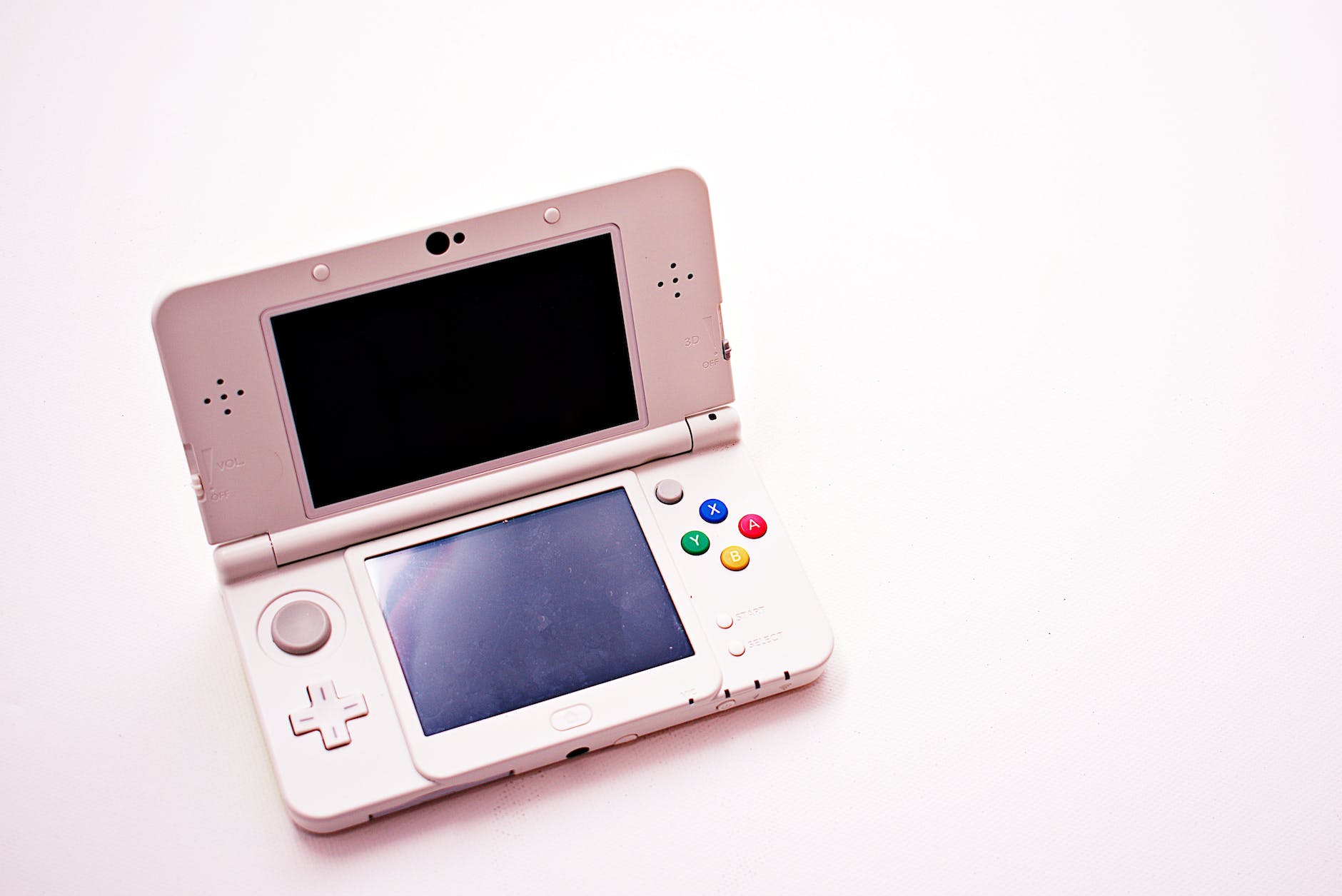
Something about the DS series makes me think it’s compact in design and just feels like it was made for everyday travel.
Now to find the right games to pick up and put down that I won’t lose progress on lol.
But ya’ll let’s not forget about mobile. Mobile gaming is huge.
And I’ll say it, if you are a mobile gamer you are a gamer.
Honestly you’re more serious of a gamer than me most likely lol. I know my bestie is, her streak on some games I could never match.
Mobile gaming is the most convenient out of this list in my opinion.
Majority of people have their phone on them at all times so it’s not like you have to carry an additional electronic.
Like I said earlier, there are so many franchises that have mobile games for you to get to know what they’re about. You can also purchase full games to play on mobile like Stardew Valley. Which I may or may not have done.
You can also go incognito since no one will know what you’re doing. Looking at your phone is pretty common so no one will think about it.
But if you’re playing a mobile game wishing you had a controller, there are mobile phone controllers on the market. Two that I see often on Instagram are the PlayStation Backbone and Razer Kishi.
Wrap it up
Thinking of why you want to game feels pretty meta but it will set you up for an easier time when we move on to Part 2: Selecting the right way to game for you.
I’ll do a dive into the different ways to game and share what I know about it so far to help you figure out what console you should consider or if PC gaming is better for you.
If you have any questions, please drop them in the comments! I will try my best to reply or answer them in later posts.
Good luck on your quest!
Momo

Hi, I’m Momo! If I’m not on a virtual farm, I’m mostly likely re-watching some comfort anime or an old Big Bang concert. I love a quiet weekend in hanging out with my husband & pups while gaming on the couch and drinking an iced coffee.
Read more from the Millennial Gamer Guide:

Subscribe to my blog!
Liked this post and want to see more? Subscribe to get fresh new content delivered directly to your inbox.
It’s dat easy. Nioce!
Enjoy this post? Support Momo on Ko-fi

Disclaimer: Links on this post may be affiliate links. If you purchase a product or service from one of my links I may earn a small commission when applicable. This helps support the site at no additional charge to you. Thank you for supporting me so I’m able to continue providing free content every week!
 Momo Quest